
Account setup
Create an account or sign in to WildEdge. If a teammate invited you, open the invitation link and sign in with the email address they invited.
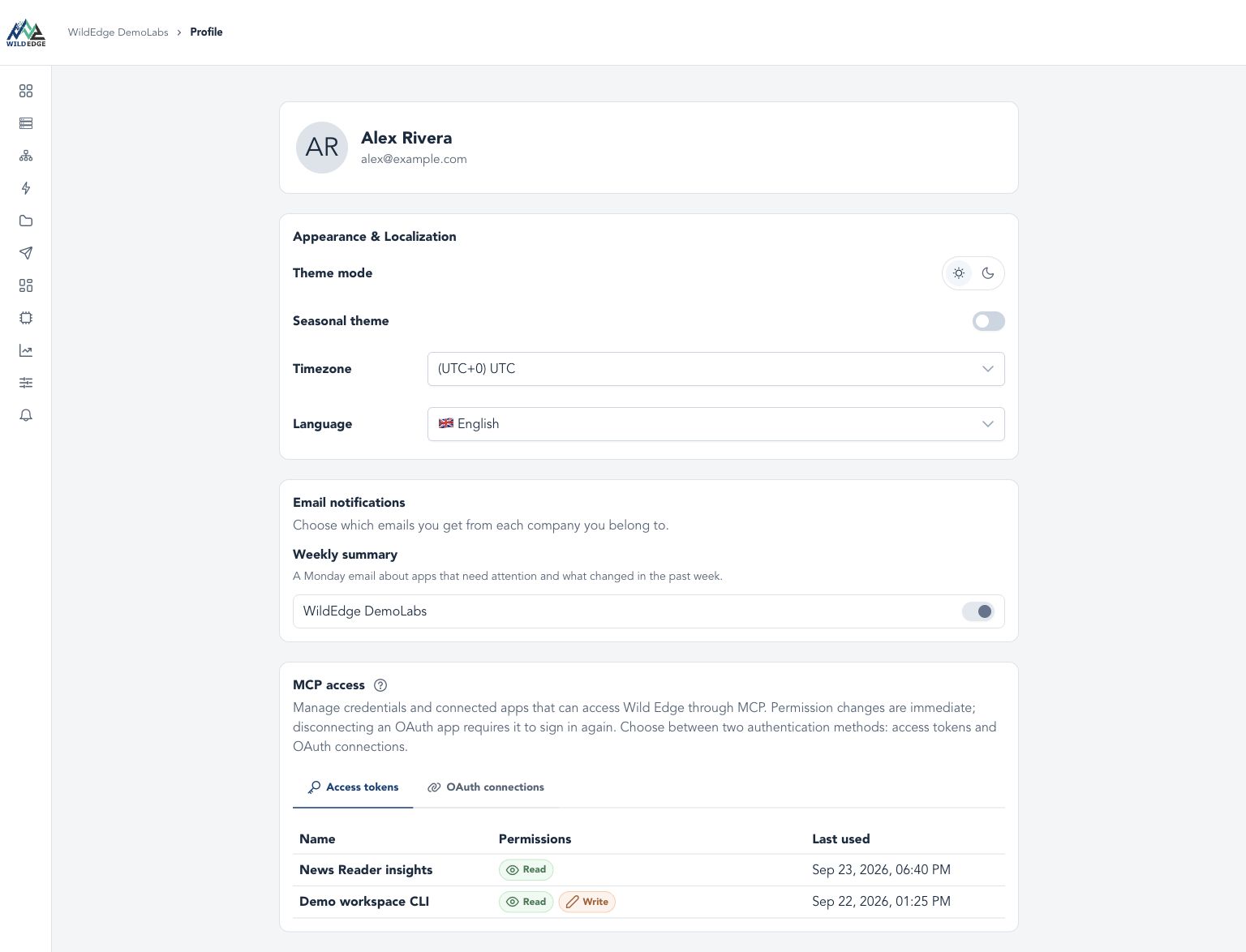 Open full-size screenshot
Set your time zone and language
- Open the profile menu in the sidebar and select Profile.
- Under Appearance & Localization, open Timezone and search for a region such as
Europe/Warsaw, or choose UTC when your team uses UTC to compare timestamps. - Open Language and choose the language for the WildEdge interface.
Choices save when you select them. The time zone controls how WildEdge displays timestamps in views such as Events and Runs. These preferences apply to your account. You can also set the theme and choose which companies send you a weekly summary from Profile.
Once you’re set up, open or create a project.