
Training See Demo
Send a reviewed image dataset to Edge Impulse, then use Training to check which images arrived and which labels the export used.
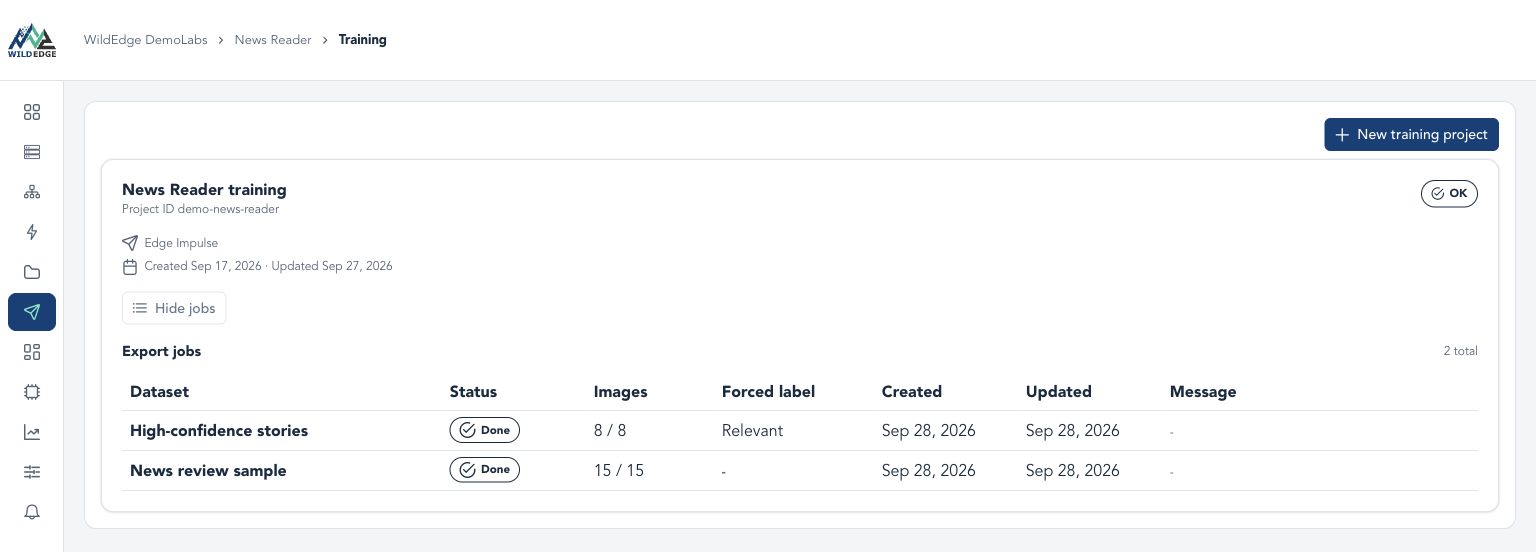 Open full-size screenshot
Export a dataset
- In Training, select New training project and enter the API key for your Edge Impulse project. Check that the integration shows OK.
- Open a ready dataset with input images, select Export to training, and choose the destination.
- Leave Forced label blank to use the dataset’s labels, including any row-level overrides. Enter a label to apply it to every image in this export.
Verify the export
Return to Training and select Show jobs on the destination project.
| Column | What to check |
|---|---|
| Status | Look for Done to confirm the job finished. |
| Images | Compare the number of images sent with the job total. |
| Forced label | Check whether the job applied one label to all images. A dash indicates the export used dataset labels. |
| Message | Read any error or other detail reported by the job. |