
Company limits
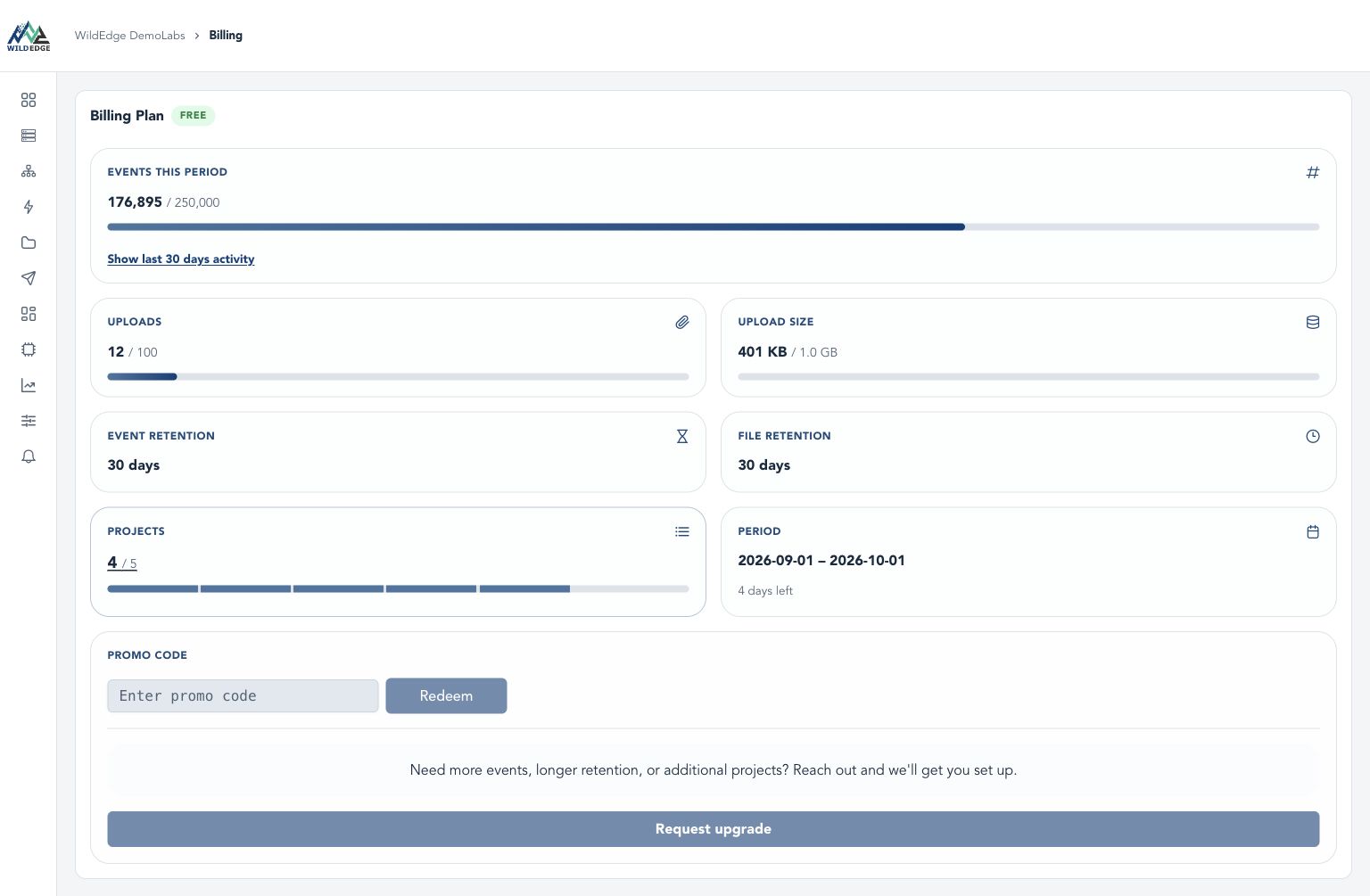
Open the profile menu and select Billing under your company name. The Billing page shows your plan, current usage, and how much capacity the company has left across all its projects.
Explore Billing in the demo · Sign in to WildEdge
 Open full-size screenshot
Read usage and retention
| Card | What to look for |
|---|---|
| Events this period | Compare the company’s event count with the plan limit. Select Show last 30 days activity to see how event volume changed over time. |
| Uploads and Upload size | Check both the number of files uploaded and their combined size. |
| Projects | Check how many project slots are available before creating a project. |
| Event retention and File retention | Check how long you can access past telemetry and uploaded files. |
| Period | Check the start and end dates for the current usage period. |
Request more capacity
A company admin can select Request upgrade for more events, longer retention, or additional projects. If you have a promo code, enter it under Promo code and select Redeem. These actions are disabled in the public demo.