
Companies & projects See Demo
Your company holds your team and billing. A project holds the telemetry and settings for an application or environment, including events, runs, dashboards, datasets, and training integrations.
Decide when to create a project
Use one project for each application you investigate independently. If staging and production need separate telemetry, dashboards, or ingestion credentials, give them separate projects, such as support-bot-staging and support-bot-prod. Use distinct keys for integrations within a project if you need to disable them independently.
Create a project
- In WildEdge, open Projects from the profile menu or select the company name in the breadcrumb.
- Confirm you’re in the intended company, then select Create Project.
- Enter a project name and select Create Project.
- In Overview, select the app platform or gateway you want to connect. Follow the setup steps with an ingestion key from this project.
- Send an inference and open Events to confirm it arrived.
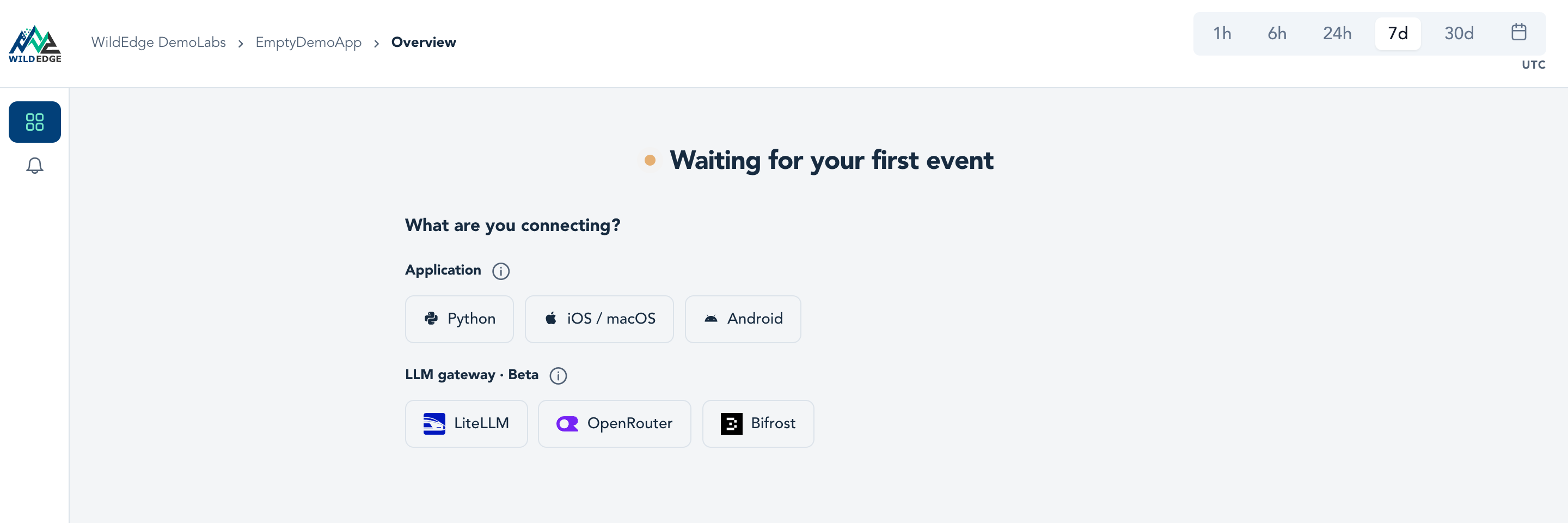 Open full-size screenshot
The demo opens the Overview of an empty project. Sign in to create a project in your own company.